
Audit Logs
Audit logs provide visibility into activities performed in Collate. They help track user actions across the platform and support governance, monitoring, and troubleshooting. Audit logs capture information such as who performed an action, what action was performed, and when it occurred.
Access Audit Logs
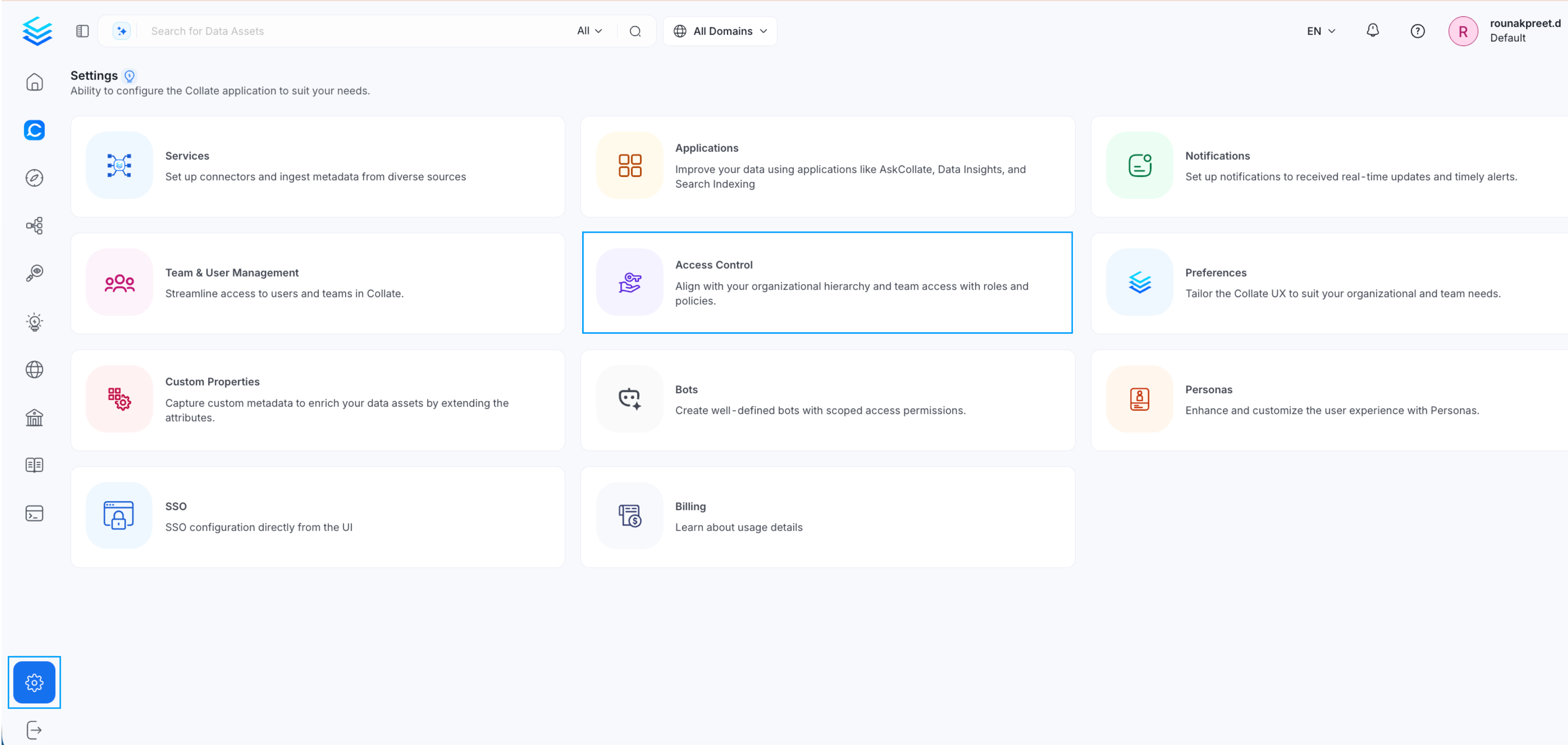
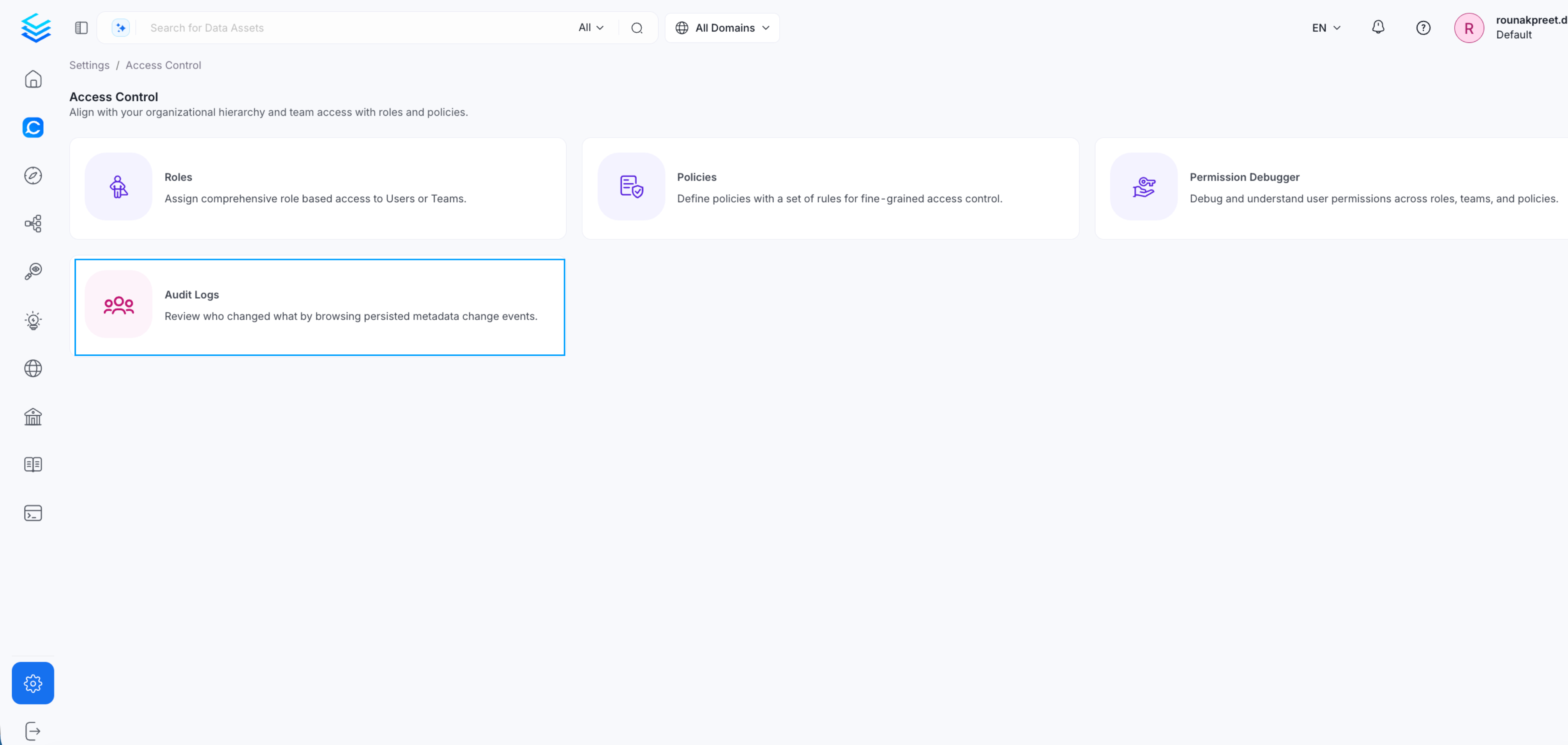
- Go to Settings
- Navigate to Access Control
- Select Audit Logs
What Audit Logs Capture
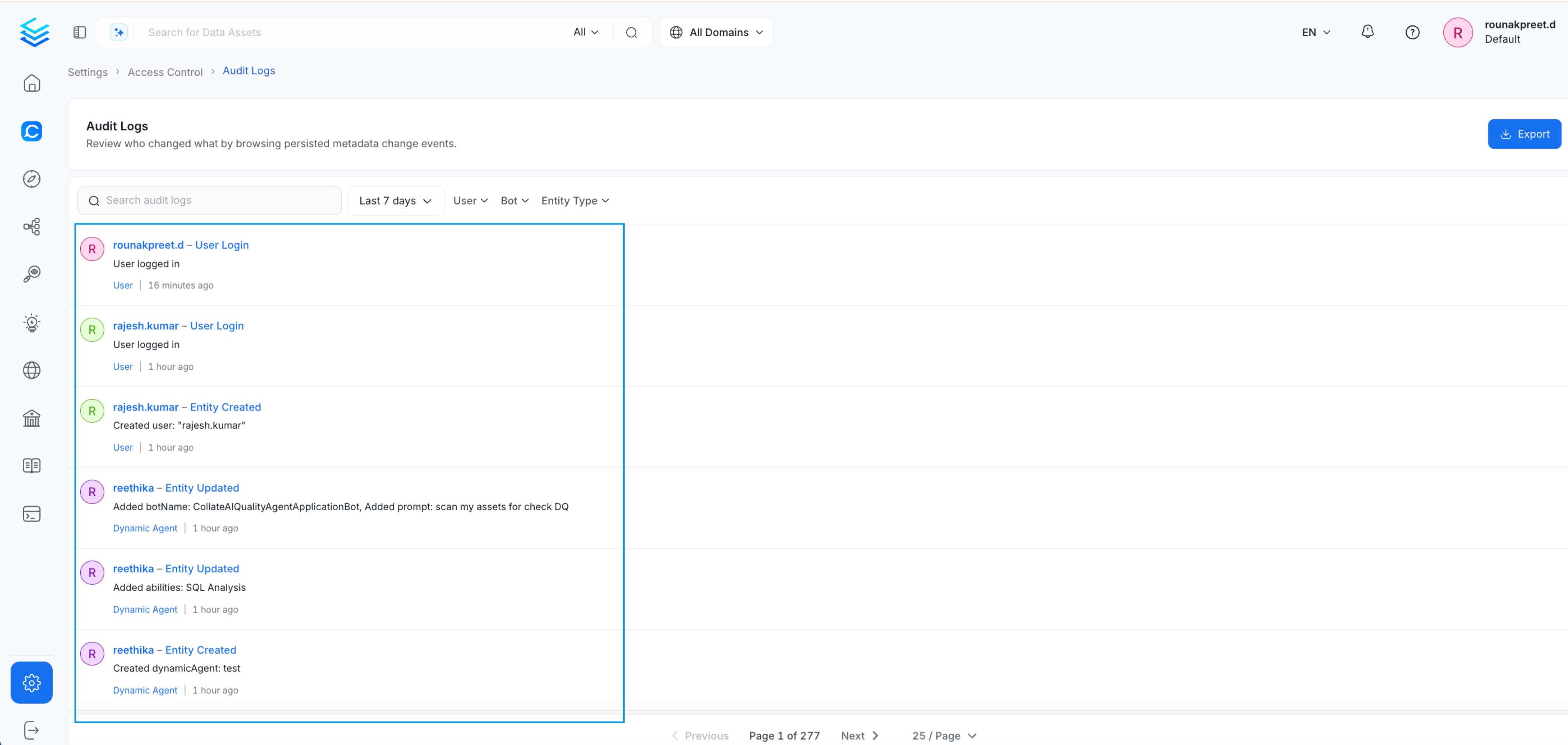
- User logins
- Updates to entities
- Changes to tables, glossaries, or other assets
- Data quality test updates
- Actions performed by users or service accounts
Filter Audit Logs
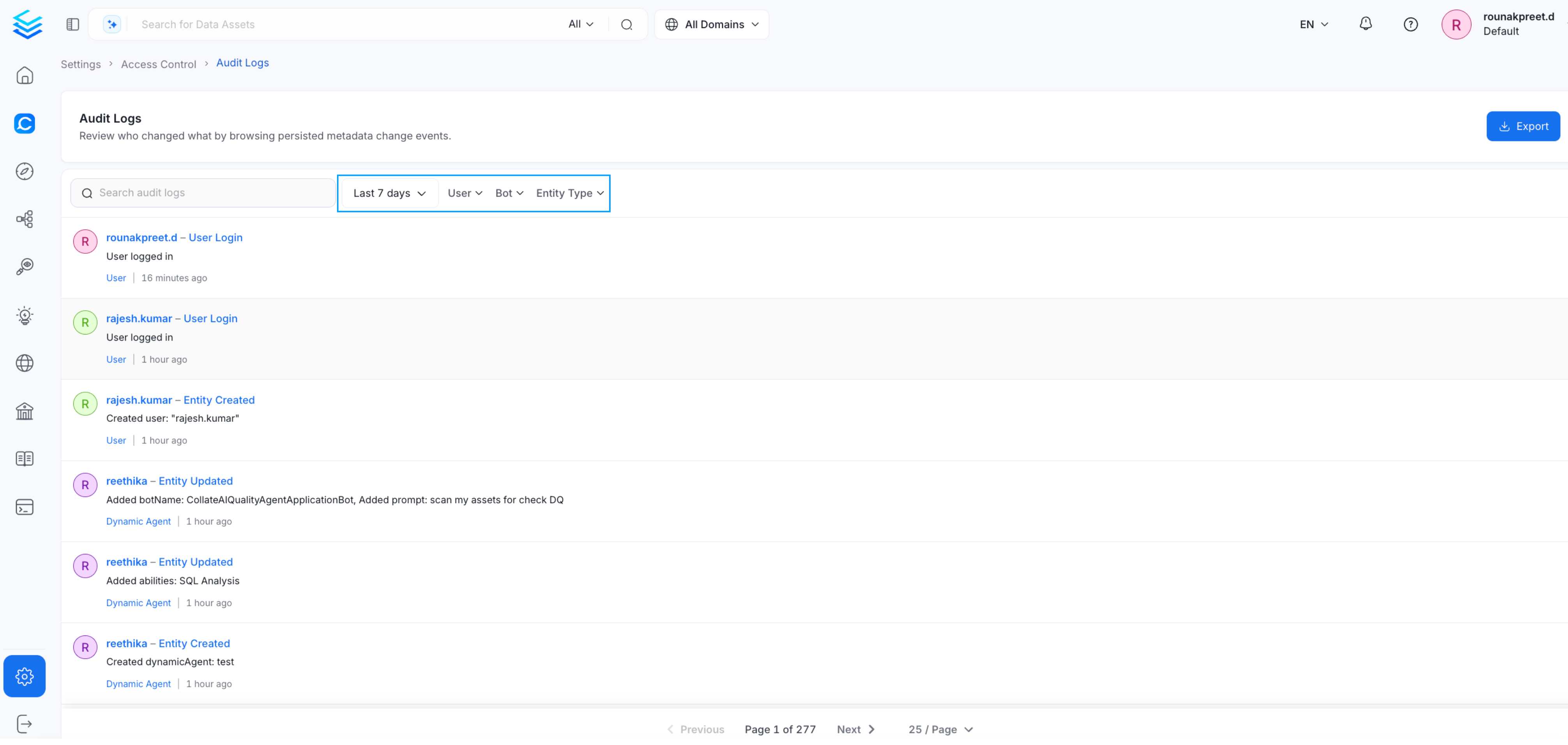
You can filter audit logs to narrow down specific activities. Supported filters include:- User - View actions performed by a specific user
- Entity type - Filter by entity type such as tables or glossaries
- Time range - Filter by last 7 days or a custom date range
- Bot - View actions triggered by platform bots or automation processes
Export Audit Logs
Audit logs can be exported for further analysis.- Select the required date range
- Click Export

Use Cases
Audit logs help with:- Investigating changes made to assets
- Monitoring user activity
- Reviewing system activity over time
- Supporting governance and compliance requirements
- Exporting logs for external review or automated monitoring