Requirements
To extract metadata, OpenMetadata needs two elements:- Tracking URI: Address of local or remote tracking server. More information on the MLflow documentation here
- Registry URI: Address of local or remote model registry server.
Metadata Ingestion
Connection Details
Connection Details
- trackingUri: Mlflow Experiment tracking URI. E.g., http://localhost:5000
- registryUri: Mlflow Model registry backend. E.g., mysql+pymysql://mlflow:password@localhost:3307/experiments
Test the Connection
Once the credentials have been added, click on Test Connection and Save the changes.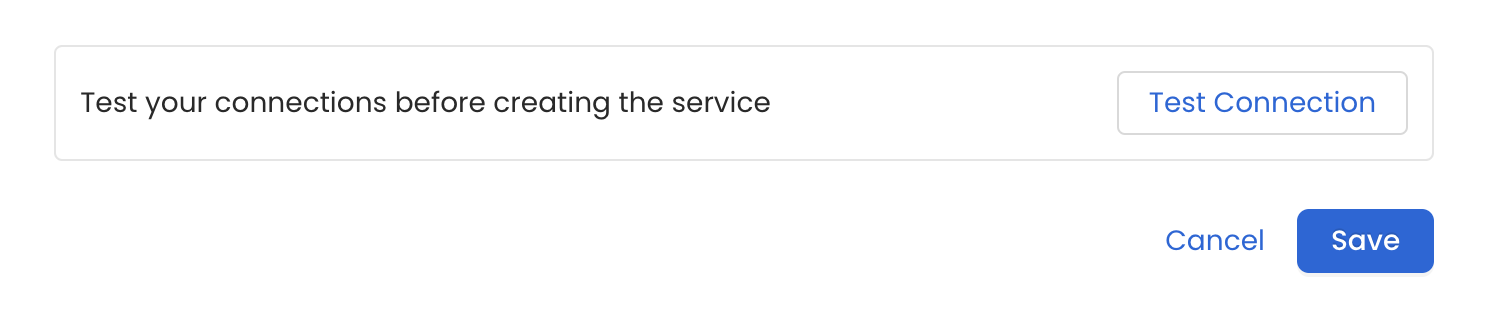
7. Configure Metadata Ingestion
In this step we will configure the metadata ingestion pipeline,
Please follow the instructions below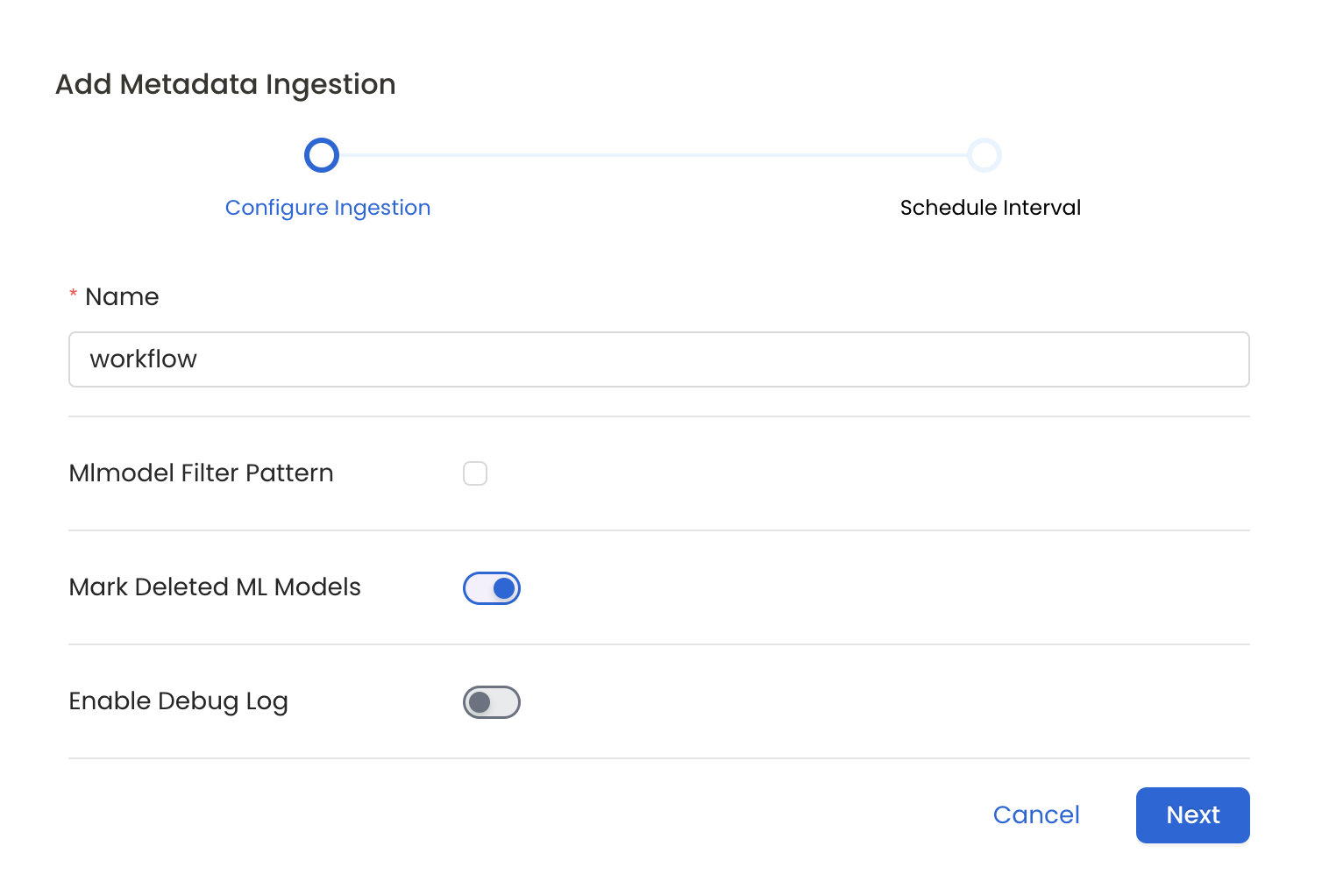
- Include: Explicitly include ML Models by adding a list of comma-separated regular expressions to the Include field. OpenMetadata will include all ML Models with names matching one or more of the supplied regular expressions. All other ML Models will be excluded.
- Exclude: Explicitly exclude ML Models by adding a list of comma-separated regular expressions to the Exclude field. OpenMetadata will exclude all ML Models with names matching one or more of the supplied regular expressions. All other ML Models will be included.
Schedule the Ingestion and Deploy
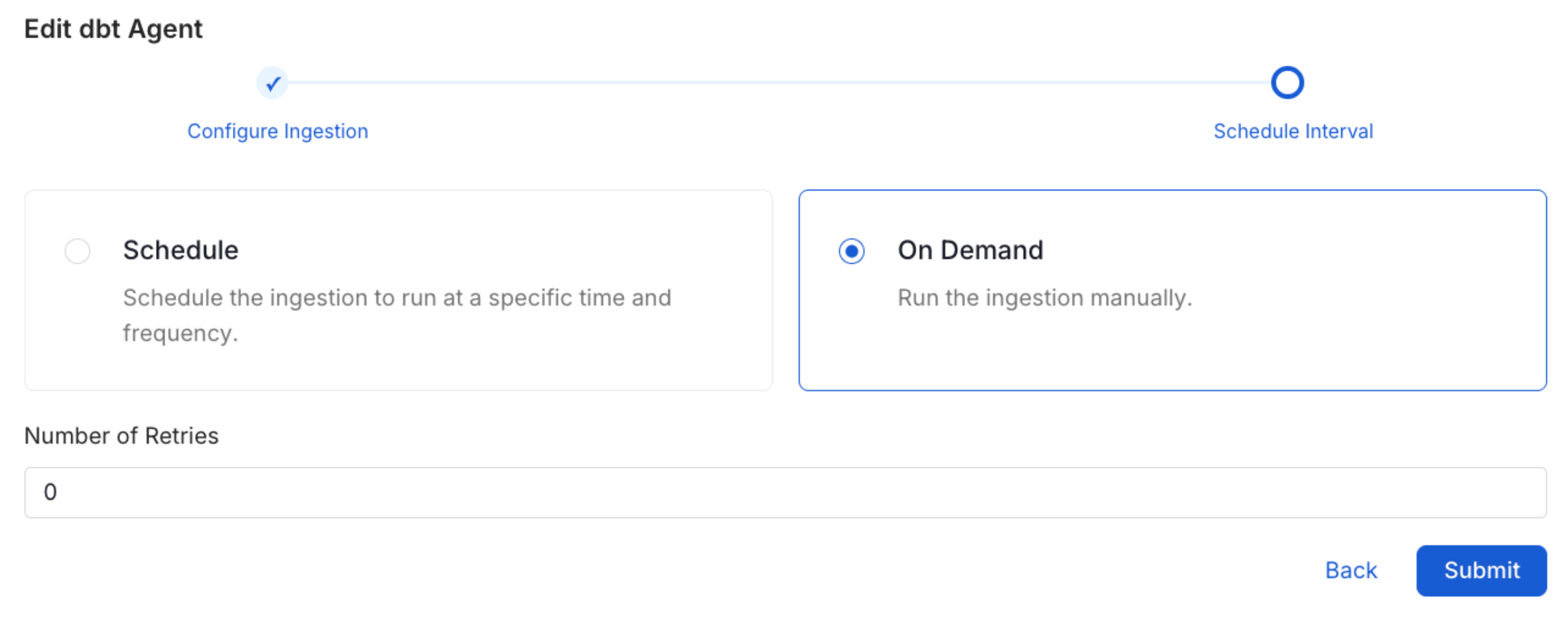
Scheduling can be set up at an hourly, daily, weekly, or manual cadence. The
timezone is in UTC. Select a Start Date to schedule for ingestion. It is
optional to add an End Date.Review your configuration settings. If they match what you intended,
click Deploy to create the service and schedule metadata ingestion.If something doesn’t look right, click the Back button to return to the
appropriate step and change the settings as needed.After configuring the workflow, you can click on Deploy to create the
pipeline.